FAQ
Frequently Asked Questions
Find answers to the most common questions about ShowMyAura. If you don’t see what you’re looking for, contact us and we’ll help you out.
01
General Questions
Everything you need to know about ShowMyAura at a glance.
- ShowMyAura is a WordPress portfolio, gallery, and project showcase plugin designed for presenting creative work beautifully. It offers multiple layouts, showcase types, and presentation styles.
- Yes. Download ShowMyAura Free from WordPress.org, then upgrade to Pro whenever you need more features.
- ShowMyAura suits designers, developers, freelancers, photographers, artists, agencies, property professionals, and anyone who wants to showcase their work professionally.
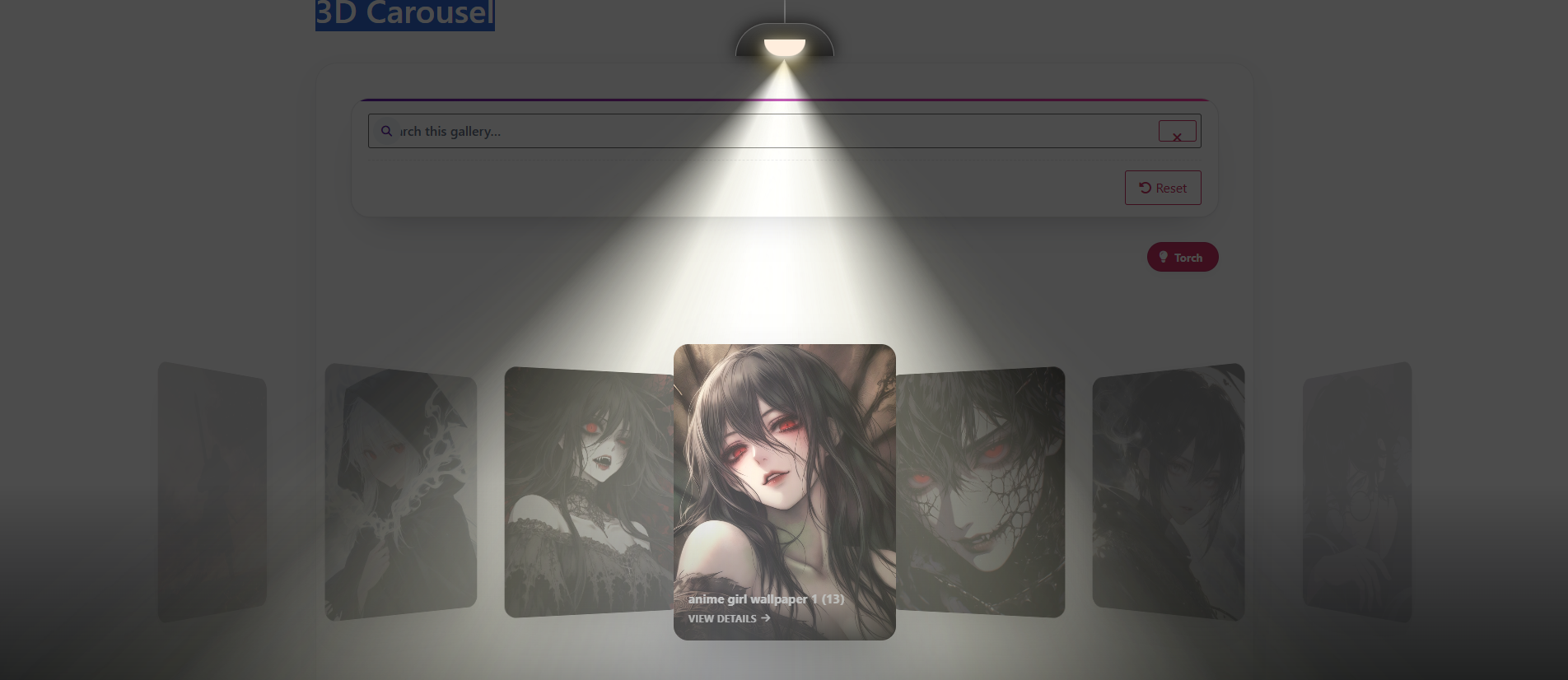
- ShowMyAura includes Modern Grid, Smart Masonry (Free), Swipe Slider, Zig Zag, Wall of Frames, Fanned Deck, 3D Carousel, Interactive 3D Carousel, Outlined Cards, Download Gallery, Tourist Attraction, and Property Showcase. See the Layouts page for details.
- Yes. ShowMyAura works with any properly coded WordPress theme. It uses standard WordPress hooks and shortcodes, so it integrates seamlessly.
02
Installation & Setup
Getting started with ShowMyAura is simple. Here’s what you need to know.
- Go to Plugins → Add New in your WordPress admin, search for “ShowMyAura”, and click Install Now. Then click Activate. For Pro, upload the zip file and activate it.
- Go to ShowMyAura → Galleries in your WordPress admin. Click Add New, give your gallery a name, choose a layout, add your projects from the media library, and publish.
- Copy the shortcode from the gallery list (e.g.,
No projects in this gallery.
- Yes. You can use the shortcode in any page builder that supports shortcodes, including Elementor, Beaver Builder, and others.
- No. WooCommerce is not required to use ShowMyAura. It works perfectly on its own.
- No. ShowMyAura works independently through shortcodes. You can use it with the block editor, classic editor, or any page builder that renders shortcodes.
03
Support & Customization
Need help? Here’s how to get support and what you can customise.
- Visit our Contact page or email support@devgurux.com. Pro users get priority support with faster response times.
- Yes. ShowMyAura includes styling options in the gallery settings. For advanced customisation, you can add custom CSS through your WordPress theme.
- Yes. Each project can include a custom CTA button or link, configured through the gallery settings. You can choose the label and destination URL.
- Yes. You can choose between an image-only viewing experience and a detailed project presentation with titles, descriptions, and CTAs. This is set per gallery.
- You’ll receive update notifications in your WordPress admin. Simply click “Update” when a new version is available. Your license key will be validated automatically.
04
Free vs Pro
Understand the difference between ShowMyAura Free and Pro.
- ShowMyAura Free includes Spotlight Grid and Smart Masonry layouts, basic gallery creation, shortcode support, responsive design, and lightbox image viewing.
- ShowMyAura Ultra Pro adds all 11 Pro layouts (Modern Grid, Swipe Slider, Zig Zag, Wall of Frames, Fanned Deck, 3D Carousels, Outlined Cards, Download Gallery, Tourist Attraction, Property Showcase), advanced presentation controls, showcase types for Website & UI, Art & Photography, Real Estate, and professional CTA options.
- Yes. Simply purchase ShowMyAura Pro and follow the upgrade instructions. Your existing galleries will be preserved and you’ll unlock all Pro features.
- Yes. ShowMyAura Ultra Pro is GPL licensed, but it includes premium features and add-ons that are only available with a valid license.
Need to compare in detail?
Visit our Free vs Pro comparison page for a full feature breakdown.
05
Troubleshooting Tips
Common issues and quick fixes.
- Check that the shortcode is correctly pasted and the gallery ID exists. Temporarily disable other plugins to test for conflicts. Clear your WordPress cache and browser cache. Increase your PHP memory limit if you have many projects.
- Ensure the layout is available in your version (Free vs Pro). Check your gallery settings — you may have overridden the layout. Verify that your projects have the correct fields filled.
- Check that JavaScript is not disabled or blocked. Look for console errors in your browser’s developer tools. Ensure the lightbox setting is enabled in the gallery settings.
- Check that your images are uploaded to the WordPress media library. Regenerate thumbnails if needed. Verify that your server has sufficient resources for image processing.
Still stuck?
Contact our support team with details about your issue, and we’ll help you out.
Didn’t find your answer?
Our team can help you choose the right ShowMyAura plan or resolve any questions.
We respond within 24 hours